SeXXXmeen
Darmat Members
-
Joined
-
Last visited
Everything posted by SeXXXmeen
-
Dear mere khayal say yeh thread G.K ya User forum mein move kerdein tu ziada logo ki nazron mein ayegi aur wese bhi yeh thread waheen ke liye suitable hai
Yeh dekhye jaadoi nalka asal main iska pipe transparent hai aur pani ke aar paar to wese hi nazar ata hai so ban gaya yeh jadoi nalka
 bht zabrdast jagahein hain jani
bht bht nice thread hai mazeed post karain
میں آپکو ہمارے اس پیارے سے فورم میں خوش آمدید کہتی ہوں
wow yaar very nice thread
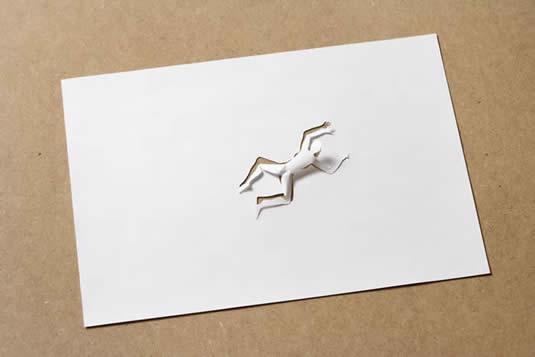
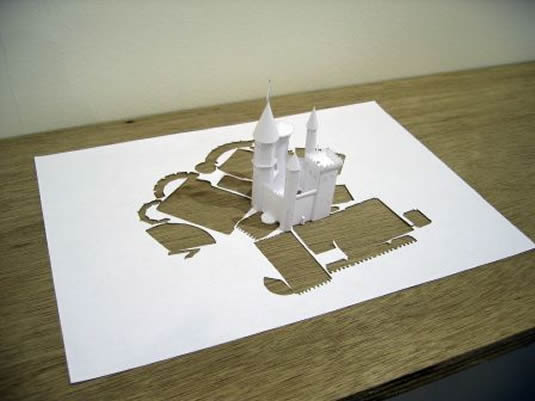
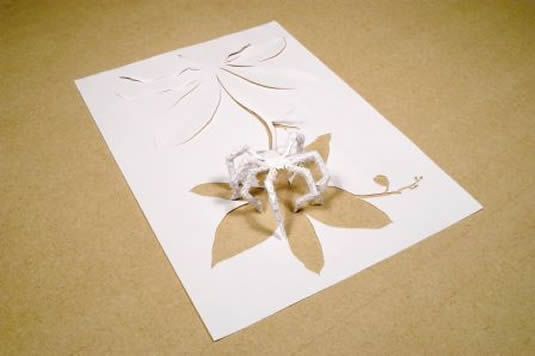
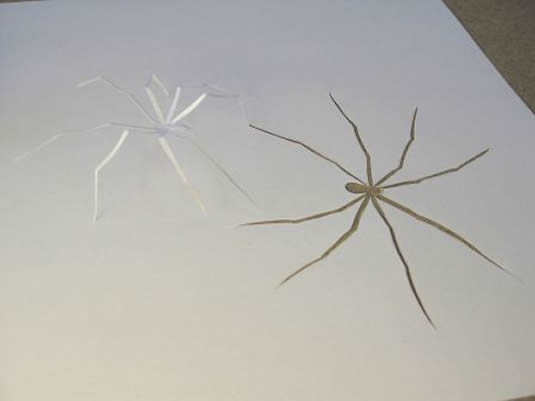
زبردست پیپر آرٹسٹ کا زبردست کام
bht zabrdast jagahein hain jani
bht bht nice thread hai mazeed post karain
میں آپکو ہمارے اس پیارے سے فورم میں خوش آمدید کہتی ہوں
wow yaar very nice thread
زبردست پیپر آرٹسٹ کا زبردست کام


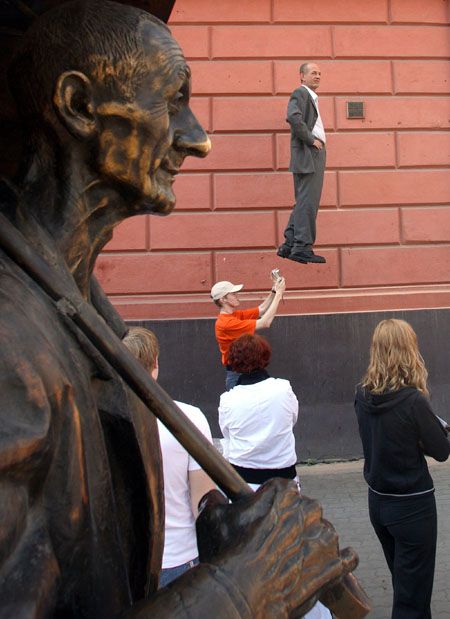
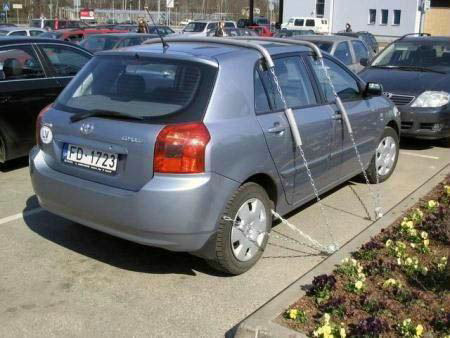
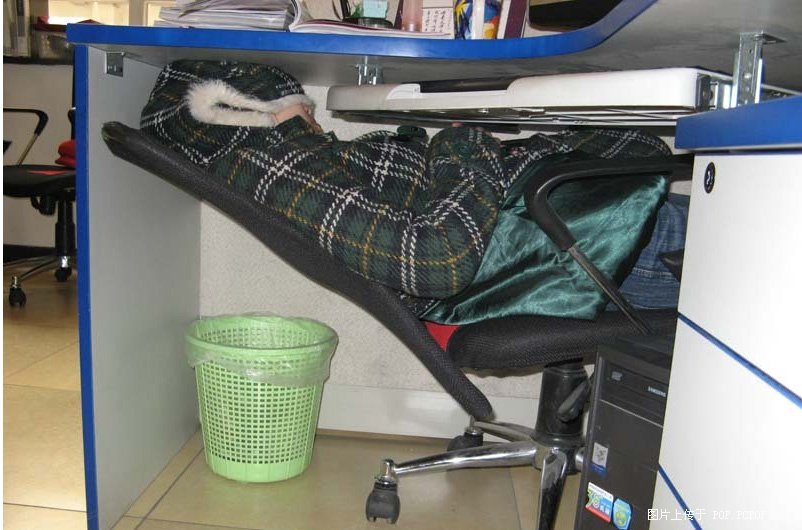
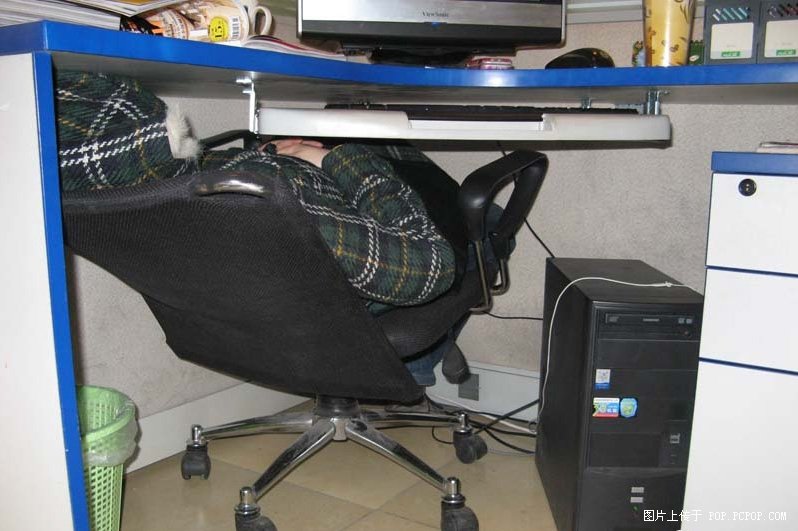
 یہ کچھ نئے آئیڈیا ہیں امید ہے آپکو پسند آئیں گے


Account
Navigation
Search
Configure browser push notifications
Chrome (Android)
- Tap the lock icon next to the address bar.
- Tap Permissions → Notifications.
- Adjust your preference.
Chrome (Desktop)
- Click the padlock icon in the address bar.
- Select Site settings.
- Find Notifications and adjust your preference.
Safari (iOS 16.4+)
- Ensure the site is installed via Add to Home Screen.
- Open Settings App → Notifications.
- Find your app name and adjust your preference.
Safari (macOS)
- Go to Safari → Preferences.
- Click the Websites tab.
- Select Notifications in the sidebar.
- Find this website and adjust your preference.
Edge (Android)
- Tap the lock icon next to the address bar.
- Tap Permissions.
- Find Notifications and adjust your preference.
Edge (Desktop)
- Click the padlock icon in the address bar.
- Click Permissions for this site.
- Find Notifications and adjust your preference.
Firefox (Android)
- Go to Settings → Site permissions.
- Tap Notifications.
- Find this site in the list and adjust your preference.
Firefox (Desktop)
- Open Firefox Settings.
- Search for Notifications.
- Find this site in the list and adjust your preference.