
SeXXXmeen
Darmat Members
-
Joined
-
Last visited
Everything posted by SeXXXmeen
-
jani thanks for liking
-
thanks dear reply kerne ke liye thnks
-
thanks yaar bas kuch cheezein khud discover hojati hain
-
thanks dear pasand karnay kay liey
-
Oh my God yeh kia hai
-
very zabardast yaar keep it up
-
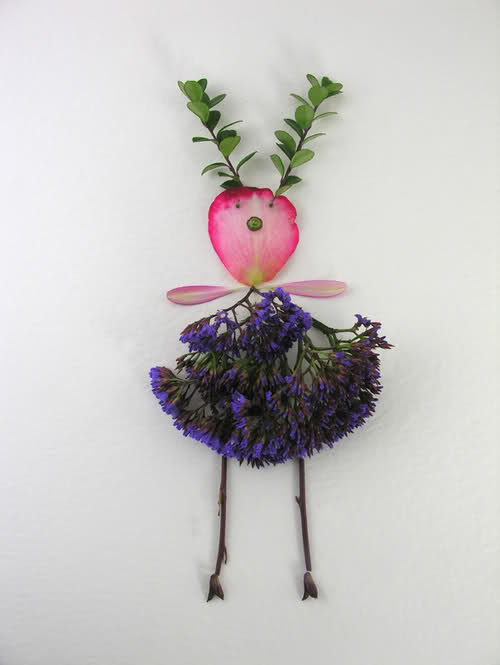
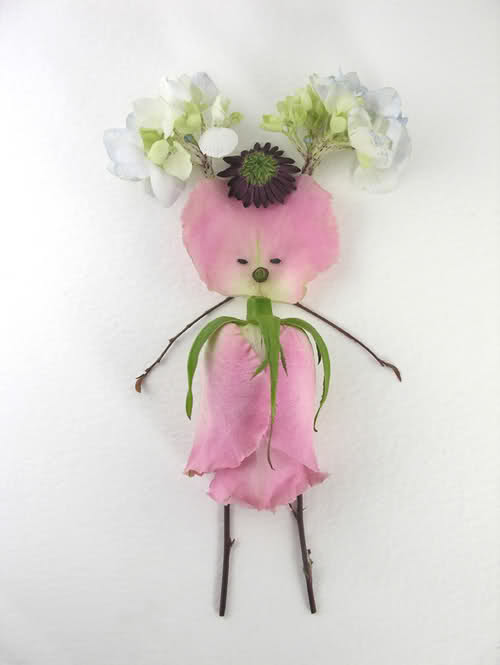
Bht hi perfect paintings hain cooool
-
wow thanks for sharing zabardast
-
kia yeh paintings hain ? agar yes to bht hi zabardast
-
bht bht shukria jani
-
thanks pasand kerne k liye
-
thanks yar thanks for liking
-
bht bht thanks jani
-
han na kkabhi kabhi suraj haathoun me bhi ajata hai
-
hhmmm je bht bht thanks
-
pasnad kerne ke liye shuria
-
Jis Ladki ko jo pasand aye woh eid kay liyey lay le aur boys apni gfz kay liyey lay sakty hain


 Standing tall at a whopping 29.3 metres (96.12 feet), it was made of 465,000 bricks,the World's Tallest LEGO tower




























Account
Navigation
Search
Configure browser push notifications
Chrome (Android)
- Tap the lock icon next to the address bar.
- Tap Permissions → Notifications.
- Adjust your preference.
Chrome (Desktop)
- Click the padlock icon in the address bar.
- Select Site settings.
- Find Notifications and adjust your preference.
Safari (iOS 16.4+)
- Ensure the site is installed via Add to Home Screen.
- Open Settings App → Notifications.
- Find your app name and adjust your preference.
Safari (macOS)
- Go to Safari → Preferences.
- Click the Websites tab.
- Select Notifications in the sidebar.
- Find this website and adjust your preference.
Edge (Android)
- Tap the lock icon next to the address bar.
- Tap Permissions.
- Find Notifications and adjust your preference.
Edge (Desktop)
- Click the padlock icon in the address bar.
- Click Permissions for this site.
- Find Notifications and adjust your preference.
Firefox (Android)
- Go to Settings → Site permissions.
- Tap Notifications.
- Find this site in the list and adjust your preference.
Firefox (Desktop)
- Open Firefox Settings.
- Search for Notifications.
- Find this site in the list and adjust your preference.