Leaderboard
-
nahmed
Cloud Premium3Likes330Posts -
udas punchi
Cloud Premium2Likes281Posts -
awara-punchi
Cloud Platinum1Likes33Posts -
hearttheaf80
Active Members1Likes190Posts


Popular Content
Showing most liked content on 04/04/18 in all areas
-
1 like
-
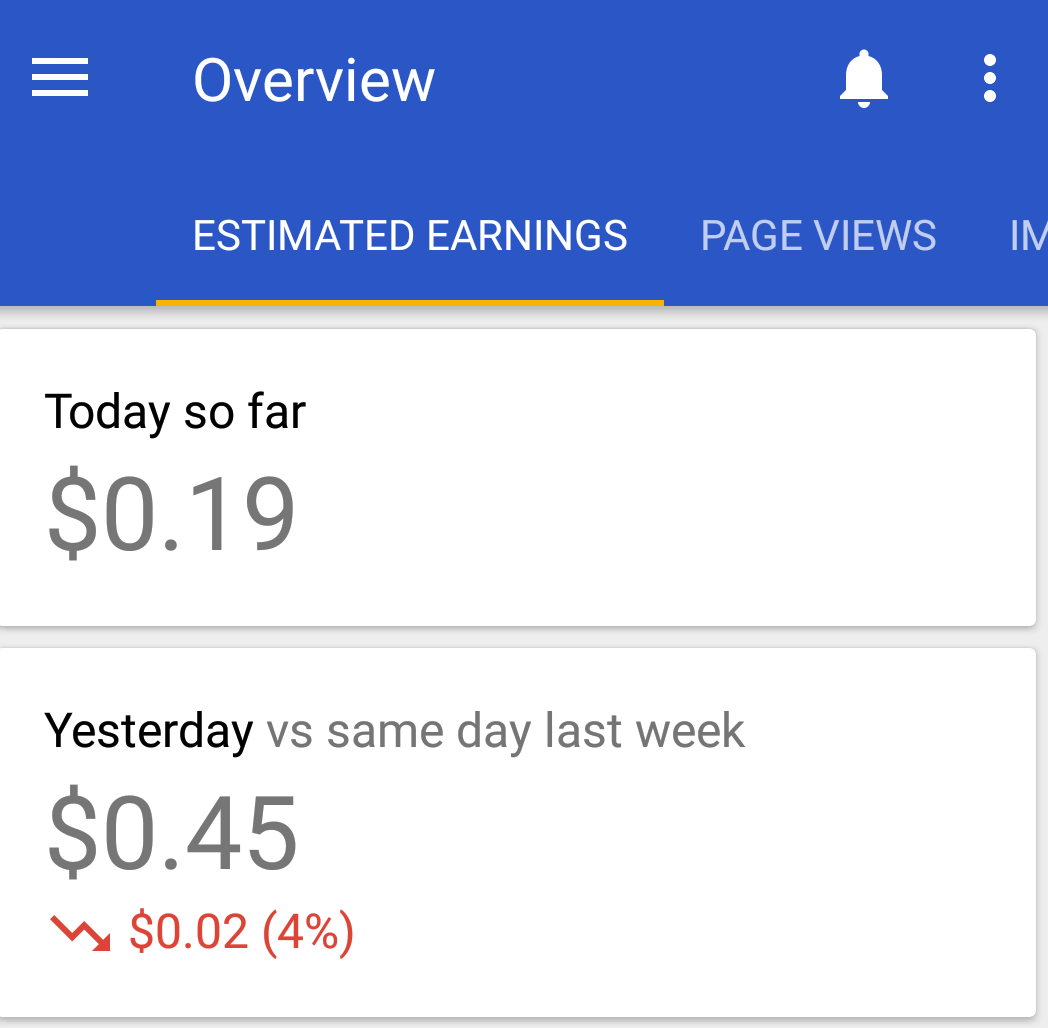
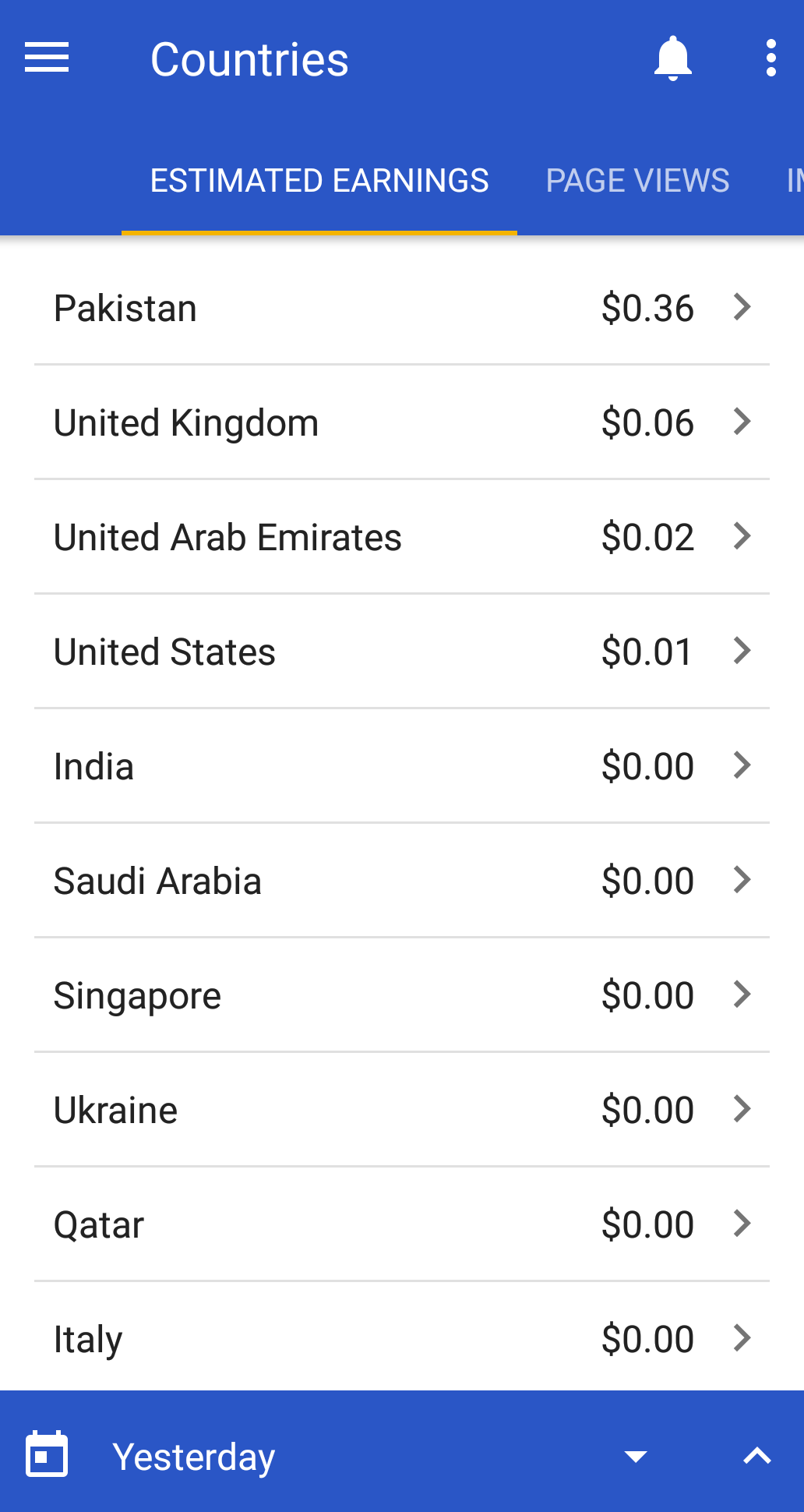
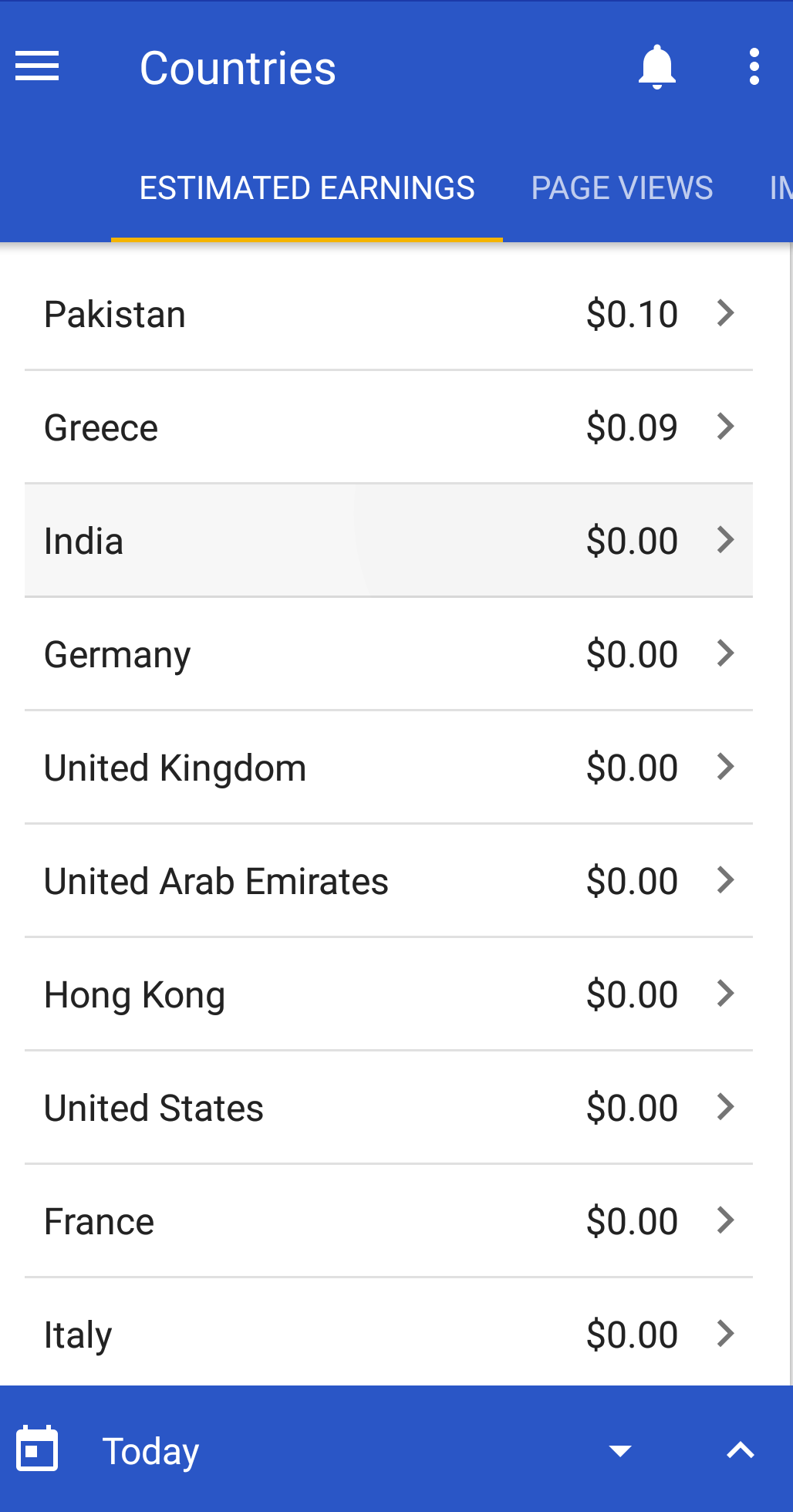
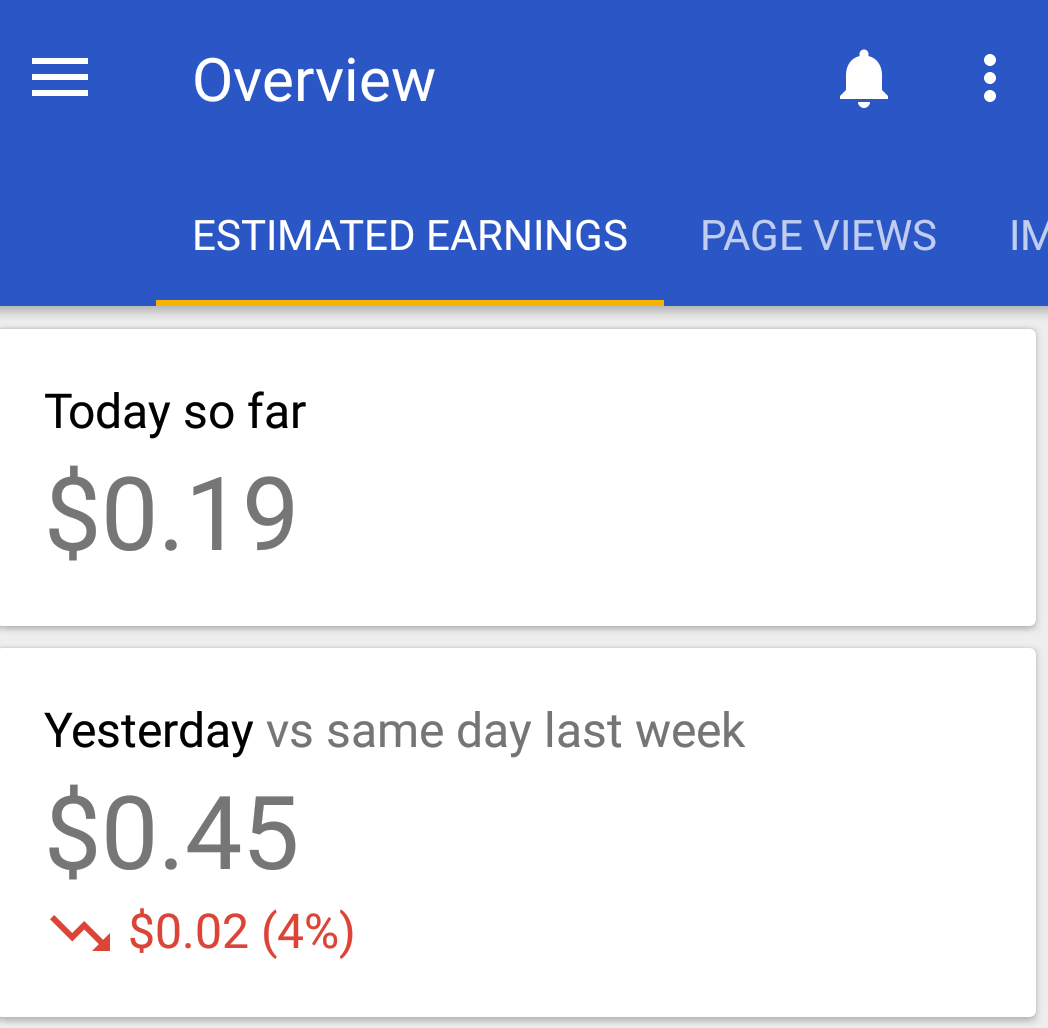
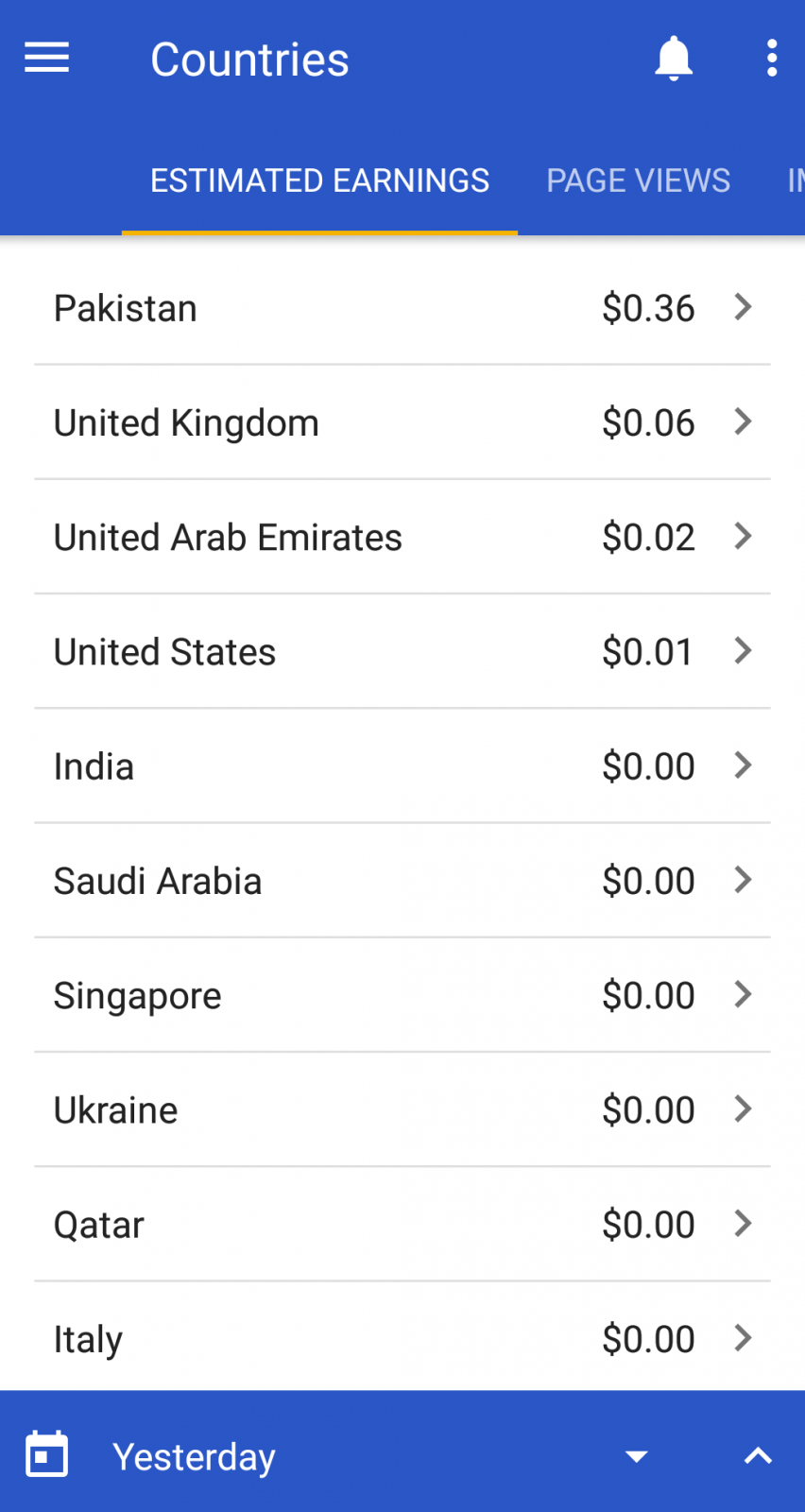
جب سے میں نے ممبرز کو ایڈز پر کلک کرنے کا کہا ہے۔ کئی ممبرز مجھے یہ جتا چکے ہیں کہ ہم ایڈز پر کلک کرتے ہیں۔تو سوچا کہ ایڈ سے ہونے والی لاکھوں ڈالر کی انکم جو ہمیں فری ممبرز کے ایڈ پر کلک کرنے کی وجہ سے حاصل ہو رہی ہے۔ اسے آپ سب سے شیئر کرتا چلوں۔یہ آج اور کل کی رپورٹ ہے جو ہمیں گوگل کی طرف سے دی گئی ۔تمام فری ممبرز یہ سکریں شارٹ ملاحظہ فرمائیں۔ ہم نےایک تجربے کے طور پر ایڈز لگائے تھے۔ کہ شاید وقت کے ساتھ کچھ بہتری ہو جائے ۔مگر ابھی تک کوئی رسپانس نہیں ملا۔ اگر یہی حال رہا تو ہم جلد اسے ختم کرنے کا ارادہ رکھتے ہیں۔
 1 like