Jump to content
View in the app

A better way to browse. Learn more.

URDU FUN CLUB

A full-screen app on your home screen with push notifications, badges and more.

To install this app on iOS and iPadOS
  1. Tap the Share icon in Safari
  2. Scroll the menu and tap Add to Home Screen.
  3. Tap Add in the top-right corner.
To install this app on Android
  1. Tap the 3-dot menu (⋮) in the top-right corner of the browser.
  2. Tap Add to Home screen or Install app.
  3. Confirm by tapping Install.

Leaderboard

Popular Content

Showing most liked content on 25/06/21 in Posts

  1. مجھے 133 صفحے سے آگے ملے ہیں ۔ میں اب ان کو شیر کر رہا ہوں ۔ جلد نئی اپ ڈیٹ بھی دوں گا کچھ صفحات مسنگ ہیں ۔ ان کے لیے معذرت
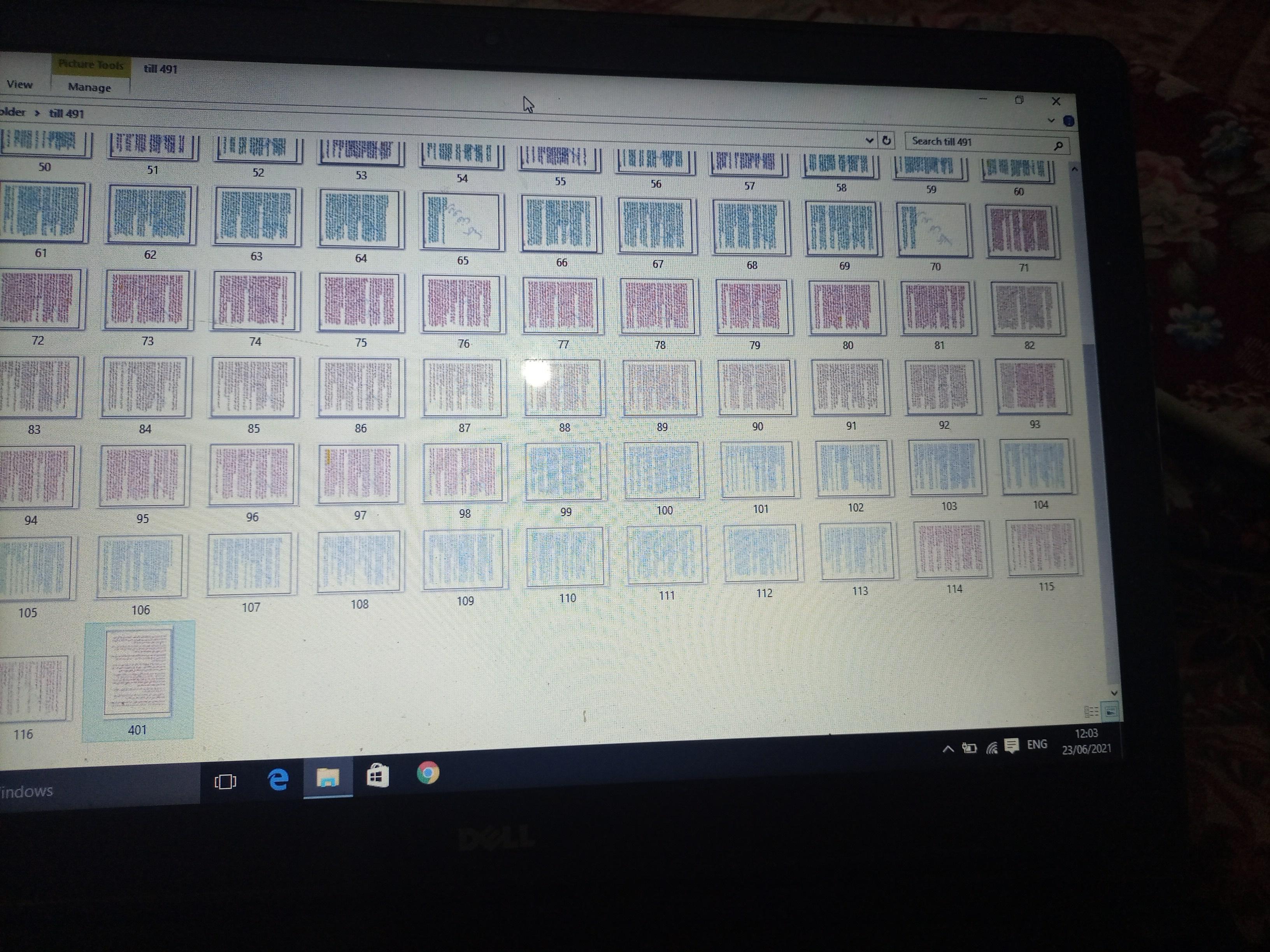
  2. یہ دیکھیں پچھلی کچھ اقساط ایک دوست نے دی ہیں ان کی سیٹنگ کر رہا ہوں جلد پوسٹ کروں گا اور پھر آگے بھی شروع کروں گا لکھنا

Account

Navigation

Search

Configure browser push notifications

Chrome (Android)
  1. Tap the lock icon next to the address bar.
  2. Tap Permissions → Notifications.
  3. Adjust your preference.
Chrome (Desktop)
  1. Click the padlock icon in the address bar.
  2. Select Site settings.
  3. Find Notifications and adjust your preference.