
mariumshah
Darmat Members
-
Joined
-
Last visited
Everything posted by mariumshah
-
thanks for liking
-
humaray Pakistan sai khuubsorat nahi
shukria ap logo kai pasnad ka
lovely illustration nice design
unseen pics. lovely
so silent loveley village
true . very nice preety faces
Wow what a parking
Sequence agar sahi na rahi to accident
what a teeth monster
hoho so biggggggg
very nice bottle
future ka,, kab ayain ga design
lo batman ka kaam bhi larki nai lia liaaa
very dark pictures. nice
really a great pics
hahaha bahut pareshan lagta hain
wow amazing kaha hain hotel
hoo hellll......
brave and crazy movement



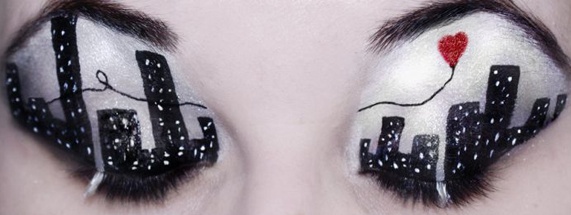
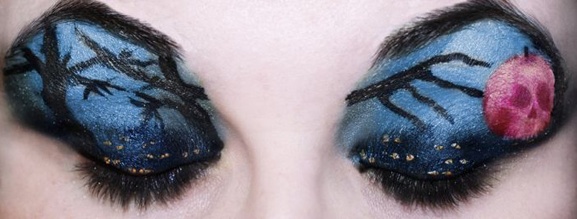

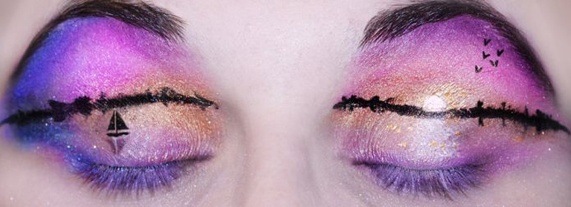
Account
Navigation
Search
Configure browser push notifications
Chrome (Android)
- Tap the lock icon next to the address bar.
- Tap Permissions → Notifications.
- Adjust your preference.
Chrome (Desktop)
- Click the padlock icon in the address bar.
- Select Site settings.
- Find Notifications and adjust your preference.
Safari (iOS 16.4+)
- Ensure the site is installed via Add to Home Screen.
- Open Settings App → Notifications.
- Find your app name and adjust your preference.
Safari (macOS)
- Go to Safari → Preferences.
- Click the Websites tab.
- Select Notifications in the sidebar.
- Find this website and adjust your preference.
Edge (Android)
- Tap the lock icon next to the address bar.
- Tap Permissions.
- Find Notifications and adjust your preference.
Edge (Desktop)
- Click the padlock icon in the address bar.
- Click Permissions for this site.
- Find Notifications and adjust your preference.
Firefox (Android)
- Go to Settings → Site permissions.
- Tap Notifications.
- Find this site in the list and adjust your preference.
Firefox (Desktop)
- Open Firefox Settings.
- Search for Notifications.
- Find this site in the list and adjust your preference.